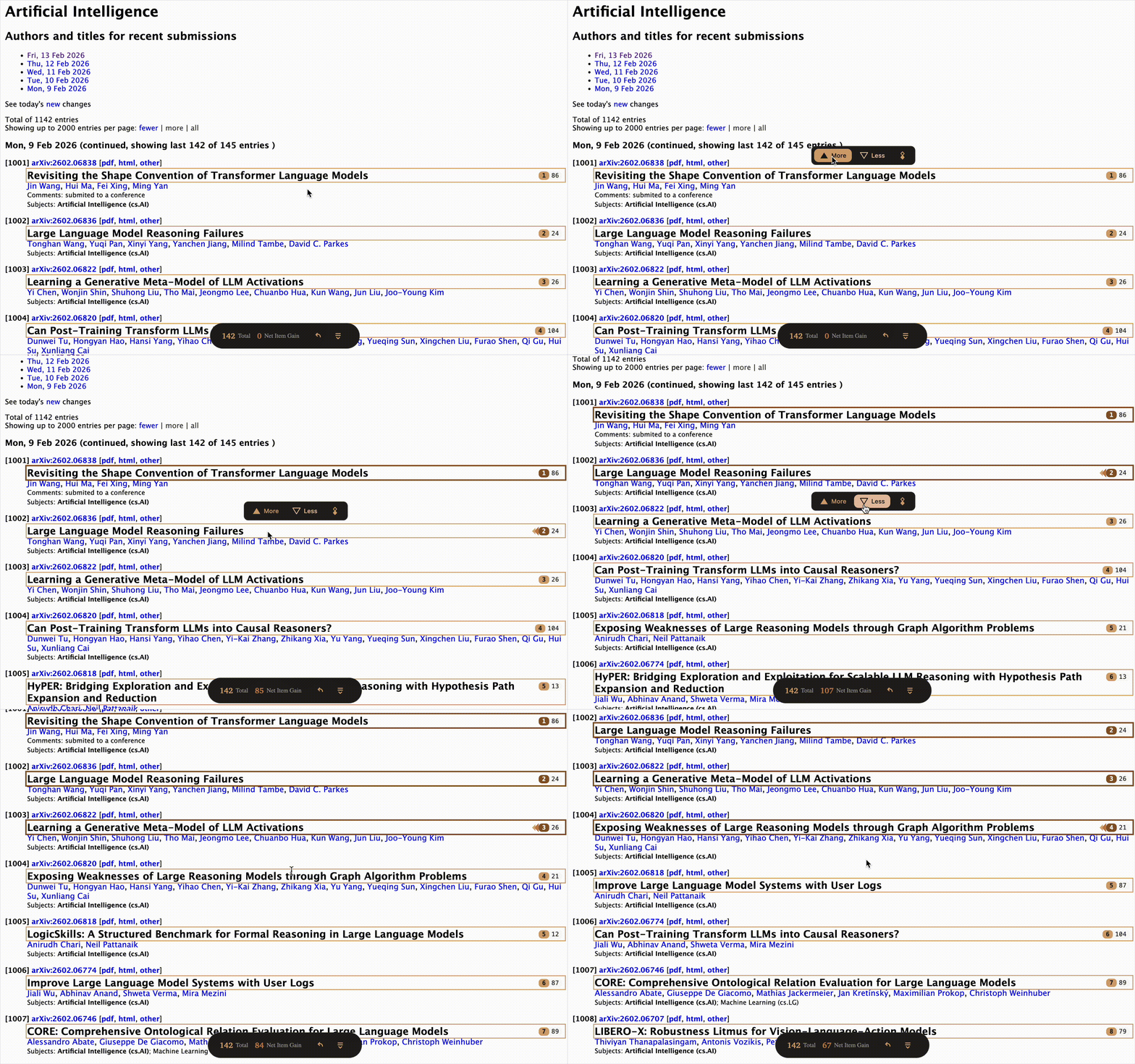
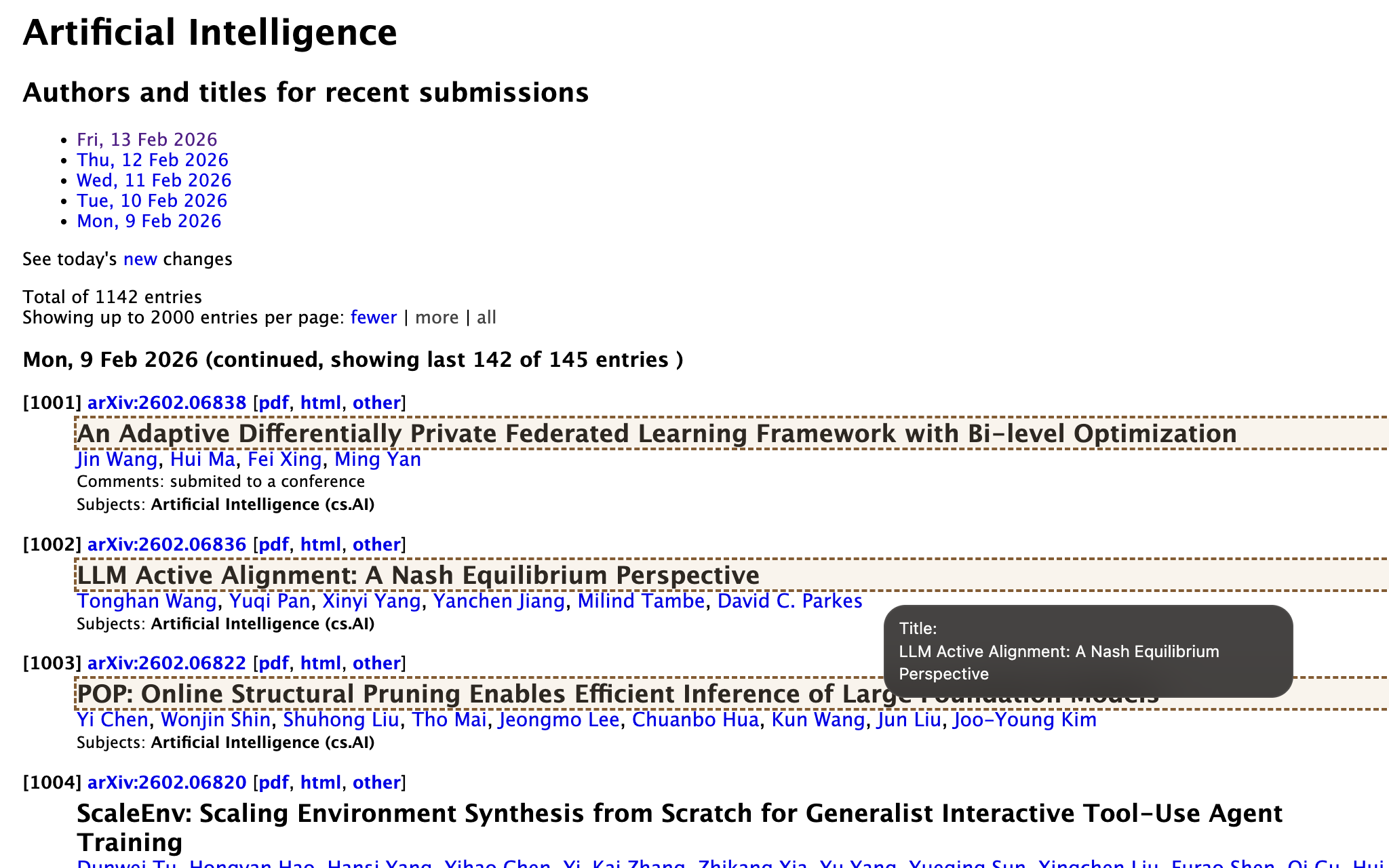
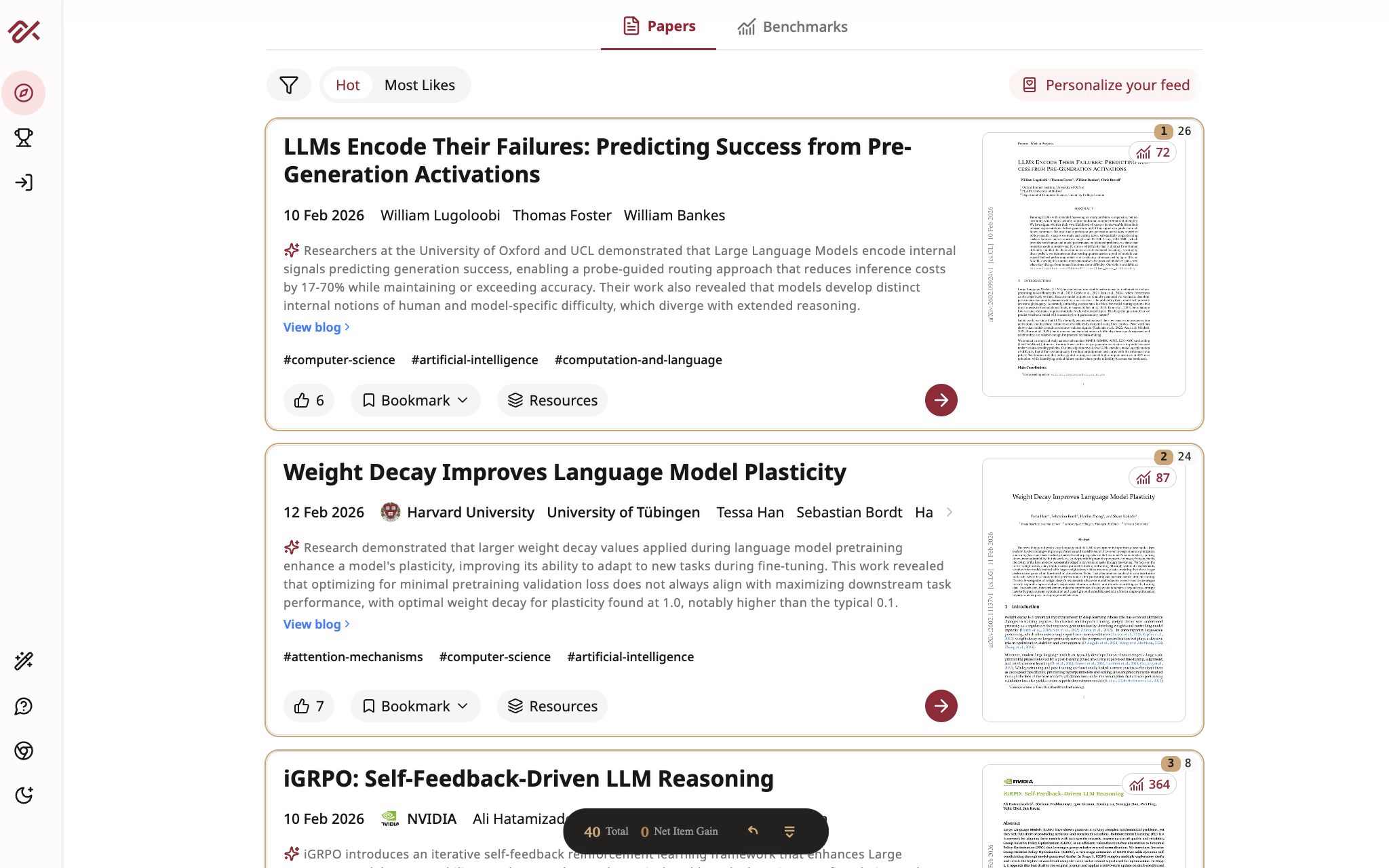
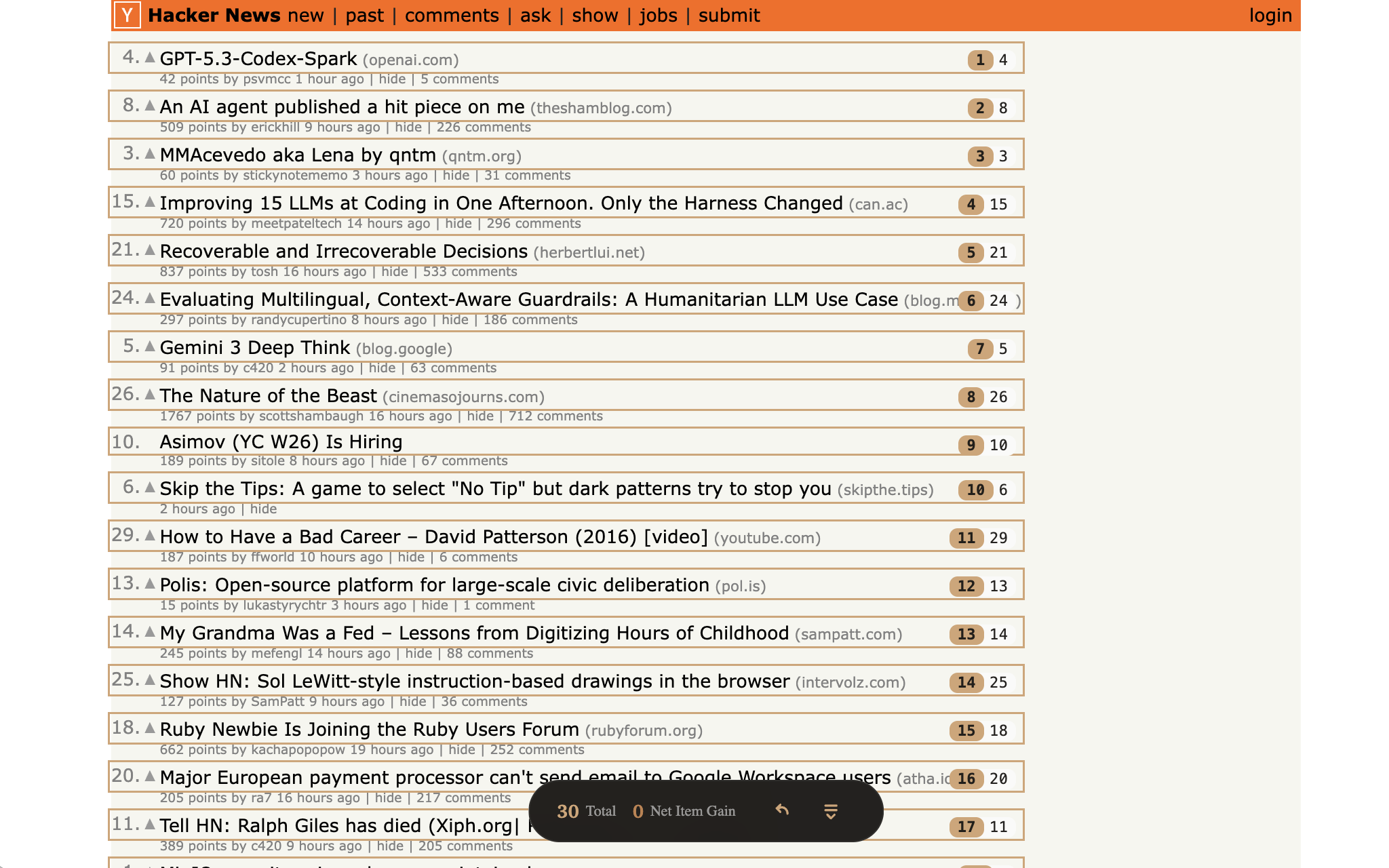
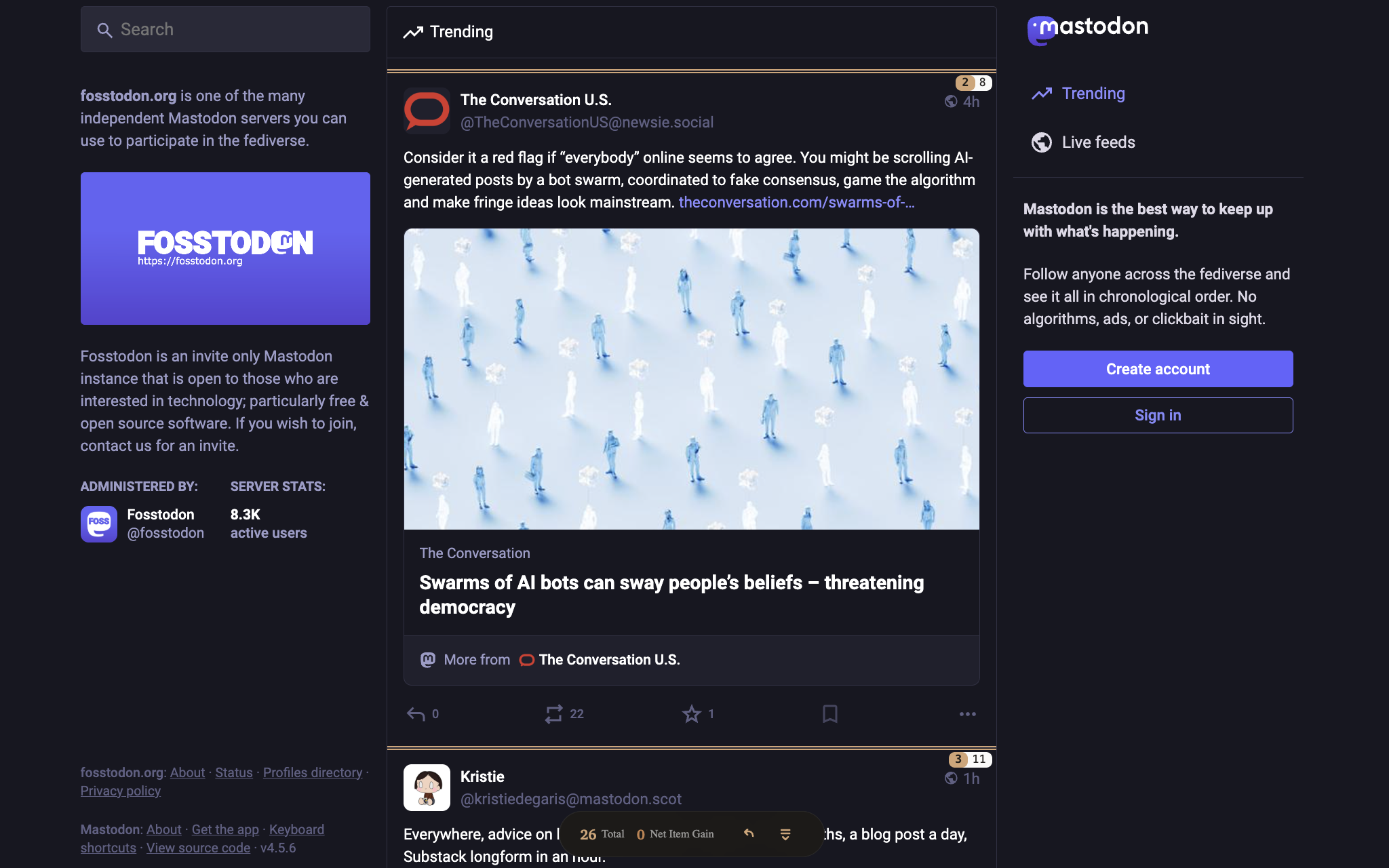
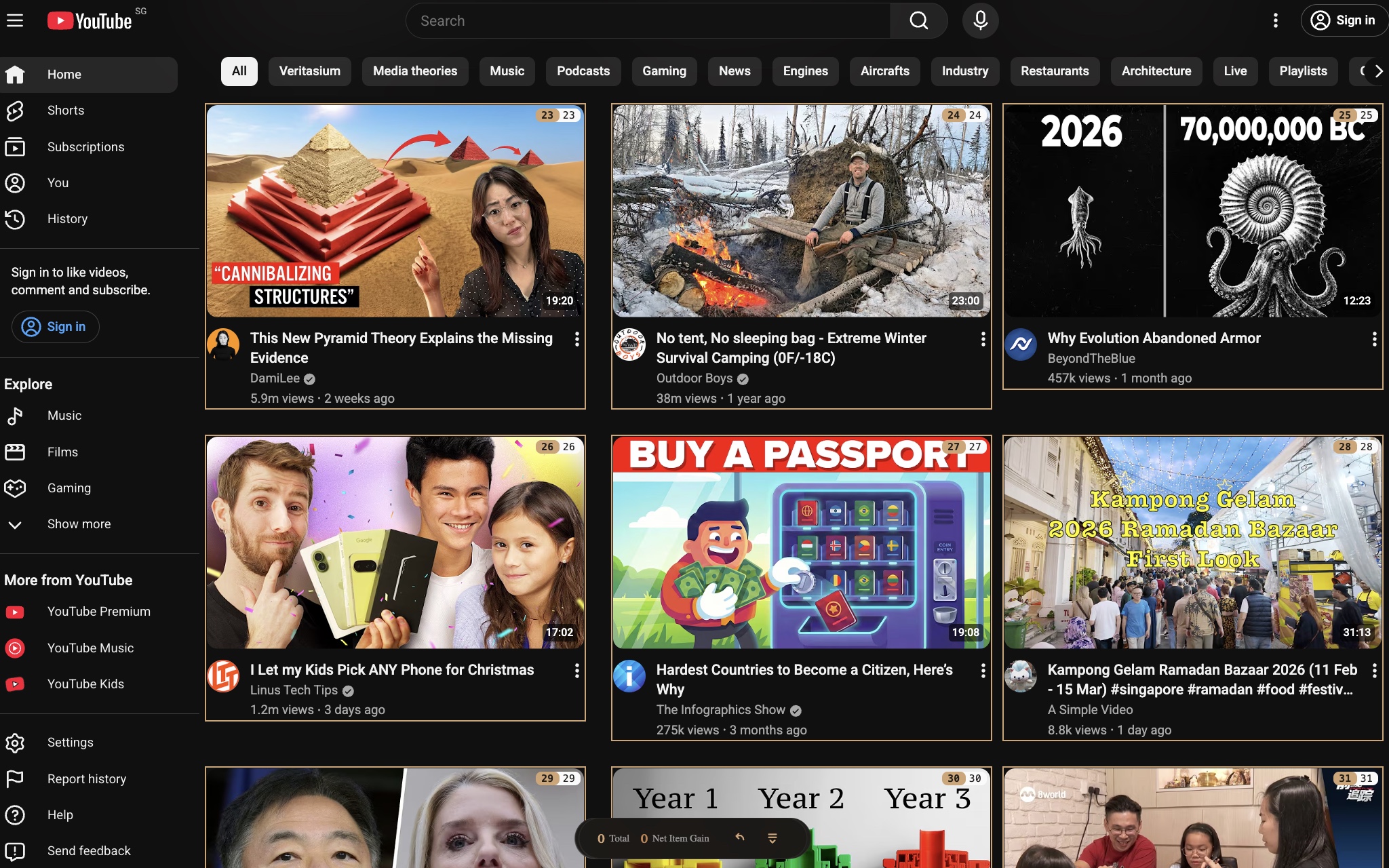
Hover to Preview
Elements highlight as you move. Instant feedback.
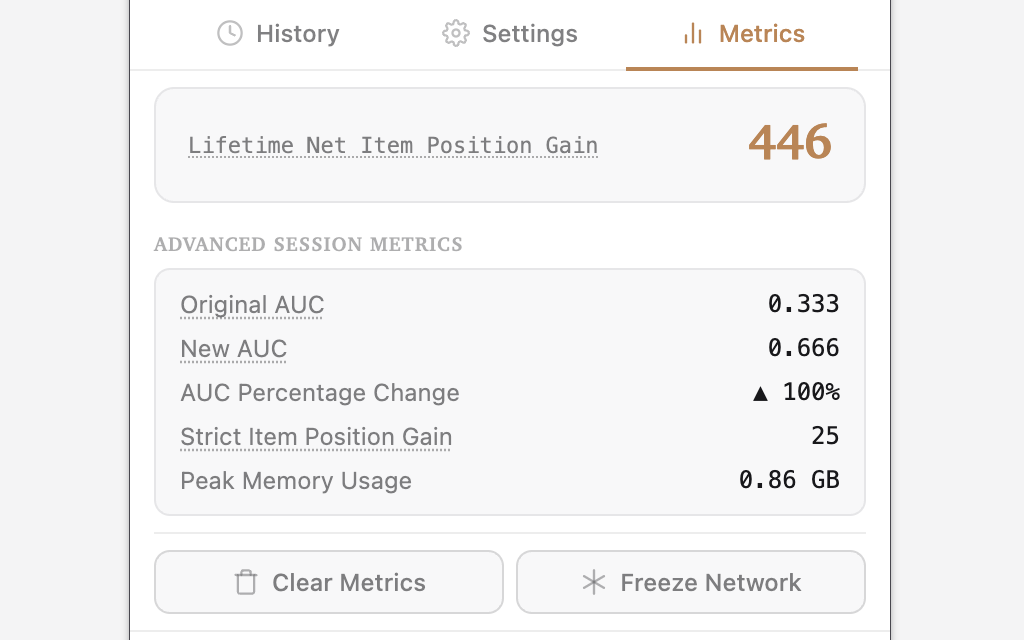
Optimise your informational diet.
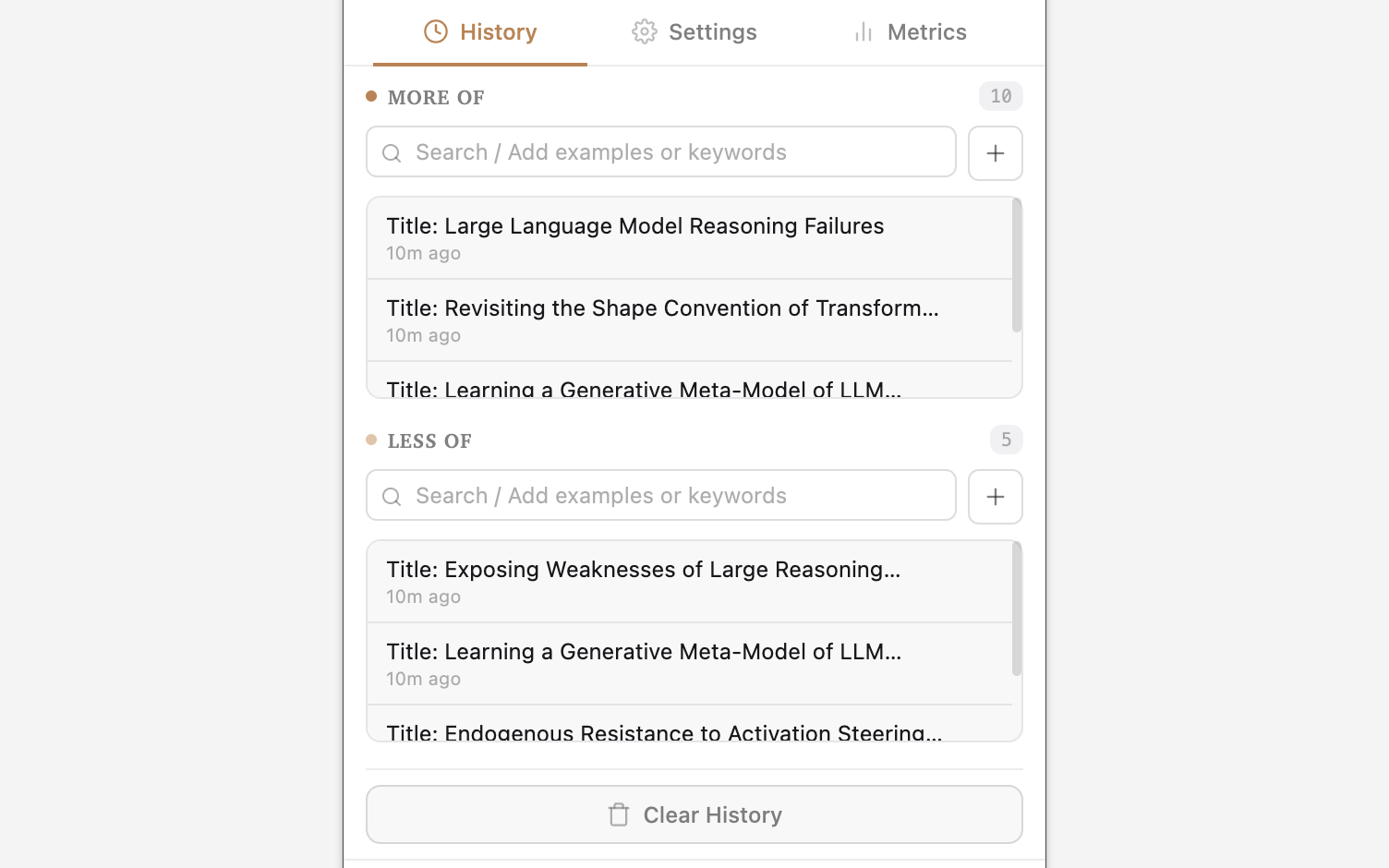
Personally tune your feeds with local recommendations.
Almost any website really. Works best for long or infinitely scrolling pages. You may observe more jankiness for dynamic JavaScript-heavy sites for now.
Yes this is completely free. I built this to be lightweight and accessible so that users can easily try it out. If you find it useful, consider supporting via Ko-fi or GitHub Sponsors.
No data/telemetry is being collected to be sent externally. This extension can be used in an offline setting. All content are processed locally.
The base extension is free and fully functional for everyday use. It includes a basic off-the-shelf language model.
FFv1 is our custom-tuned model, optimised for recommending you cross-domain page content based on your feedback.
If you use it professionally or just want to support the work, FFv1 is a one-time purchase.
No subscriptions, no tracking. You own the weights, forever.
.zip file using the received link.
+ next to the Base badge
The left badge with the accent displays the current rank of the item throughout the page. The white badge on the right shows the item's original rank served by the page.
Try starting from any narrow selection, then hit W/Up key multiple times until you see similar items being highlighted.
Some websites don't have grouped containers for clean re-ordering. You can still use the toggling function in the feedback bar to quickly switch to the item's original position, and also toggle back to continue browsing.
 Ko-fi
 Patreon